Presentation Skills
Presentation skills refer to the ability to effectively deliver information, ideas, or messages to an audience in a clear, engaging, and impactful manner.
Presentation Skills are the abilities required to plan, organise, design, and deliver information clearly and confidently to an audience.
What are Presentation Skills?
Presentation skills involve more than simply speaking in front of people. A good presentation requires clear purpose, organised content, suitable visuals, confident delivery, audience connection, time control, and effective handling of questions.
Presentation skills are useful in classrooms, seminars, interviews, group discussions, project reviews, business meetings, sales pitches, training sessions, and leadership situations.
| Situation | Poor Presentation | Better Presentation |
|---|---|---|
| Class seminar | Reading every line from the slide. | Explaining key points with examples and simple visuals. |
| Project presentation | Showing too many details without structure. | Presenting problem, method, result, and conclusion clearly. |
| Interview presentation | Speaking nervously without preparation. | Using a short structure, confident voice, and relevant examples. |
| Business pitch | Talking only about features. | Explaining the problem, solution, benefit, and next step. |
“A presentation is successful when the audience receives the message clearly.”
Communication Tip
Key points
- Know the purpose of the presentation.
- Understand the audience.
- Organise content logically.
- Use simple and clear slides.
- Speak with confidence and clarity.
- Maintain positive body language.
- Practise before presenting.
Why are Presentation Skills Important?
Presentation skills help people explain ideas, influence others, build confidence, share knowledge, and create a professional impression.
Clear Communication
A presentation helps explain ideas in an organised way.
- Clear message
- Logical sequence
- Better understanding
- Reduced confusion
Confidence Building
Speaking before others improves self-confidence.
- Reduces fear
- Improves voice control
- Builds self-belief
- Supports leadership
Professional Growth
Good presenters are valued in academic and workplace settings.
- Seminars
- Meetings
- Interviews
- Project reviews
Influence and Persuasion
Presentations can motivate people to think or act differently.
- Supports ideas
- Builds credibility
- Encourages action
- Creates impact
Core Components of a Good Presentation
A strong presentation depends on preparation, content structure, delivery style, visual design, and audience engagement.
| Component | Meaning | Good Practice |
|---|---|---|
| Purpose | The reason for giving the presentation. | Know whether you want to inform, explain, persuade, or train. |
| Audience | The people who will listen to the presentation. | Adjust content according to their level and needs. |
| Structure | The order in which ideas are presented. | Use introduction, body, and conclusion. |
| Content | The information, examples, data, and message. | Keep only relevant and important points. |
| Visuals | Slides, charts, images, or diagrams used for support. | Use visuals to explain, not to decorate unnecessarily. |
| Delivery | Voice, pace, body language, and confidence. | Speak clearly, pause properly, and face the audience. |
| Interaction | Audience involvement through questions or discussion. | Ask questions, invite responses, and handle doubts respectfully. |
| Conclusion | The final summary and closing message. | End with key takeaways or next action. |
Note: Content tells what you know; delivery shows how well you can communicate it.
Mini Presentation Skills Strategy Bank
Tip: Do not memorise every word. Understand the flow and practise explaining naturally.
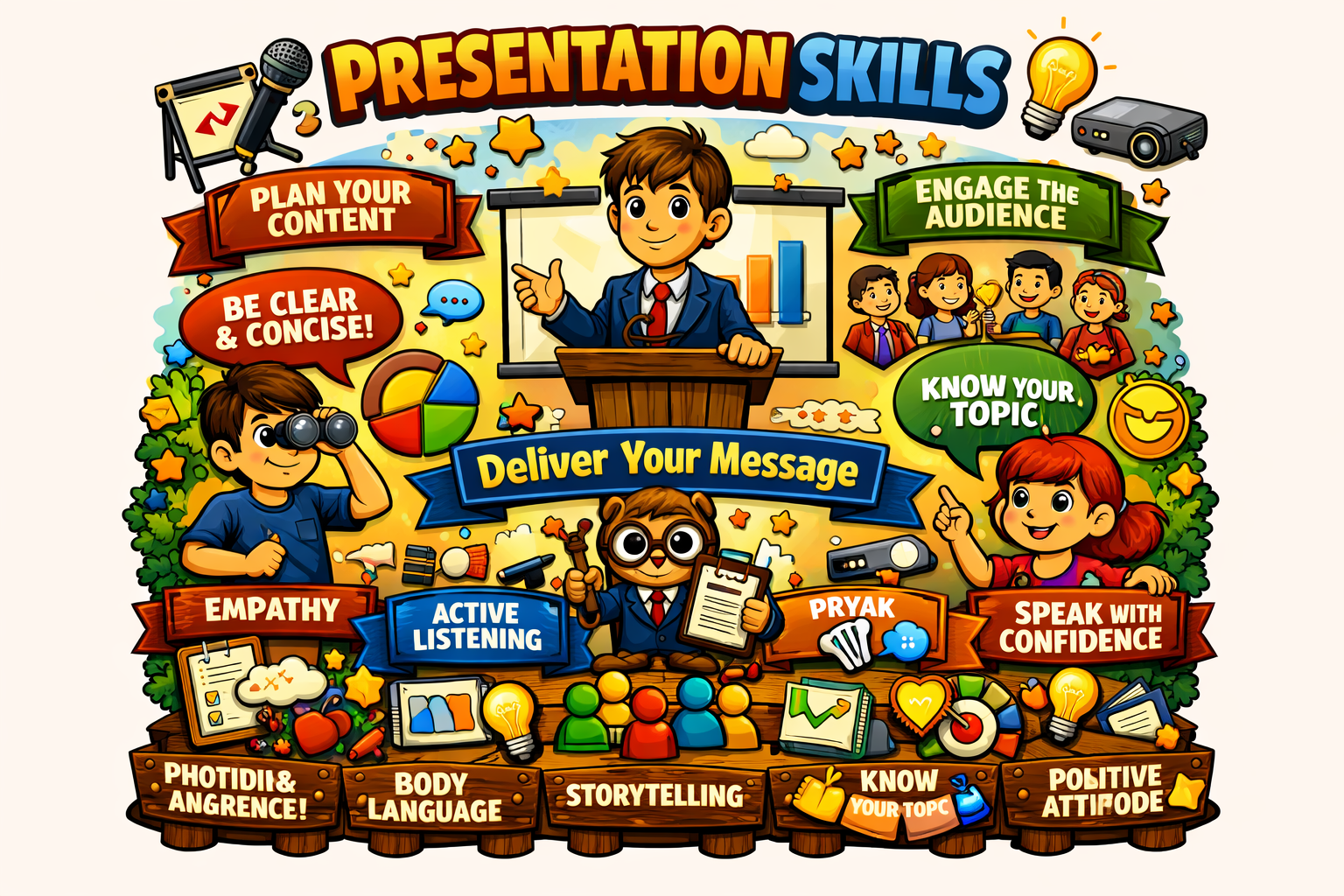
Presentation Structure
A good presentation has a clear beginning, meaningful middle, and strong ending.
| Stage | Purpose | Useful Content | Example Phrase |
|---|---|---|---|
| Opening | Gain attention and introduce the topic. | Greeting, topic, purpose, relevance. | Good morning. Today I will present... |
| Preview | Tell the audience what will be covered. | Main points or agenda. | I will cover three points... |
| Main Body | Explain the topic in detail. | Key points, examples, facts, visuals. | Let us look at the first point... |
| Transition | Move smoothly from one point to another. | Linking phrases. | Now that we have discussed the problem, let us move to the solution. |
| Summary | Reinforce important ideas. | Main takeaways. | To summarise, the key points are... |
| Closing | End with impact. | Conclusion, recommendation, thanks, question invitation. | Thank you. I will be happy to take questions. |
Effective Slide Design
Slides should support the speaker. They should not become a full script that the presenter reads word by word.
| Slide Element | Good Practice | Avoid |
|---|---|---|
| Text | Use short bullet points and keywords. | Long paragraphs and crowded slides. |
| Font | Use readable font size and consistent style. | Very small text or too many font styles. |
| Images | Use relevant images that explain the point. | Unrelated decorative images. |
| Charts | Use simple charts with clear labels. | Complex charts without explanation. |
| Colours | Use good contrast and limited colours. | Too many bright colours that distract. |
| Animation | Use only when it improves understanding. | Excessive movement and sound effects. |
Note: A clean slide makes the speaker look more professional and helps the audience focus on the message.
Presentation Delivery Skills
| Delivery Area | Effective Behaviour | Poor Behaviour | Impact |
|---|---|---|---|
| Voice | Clear, audible, and steady voice. | Mumbling or speaking too softly. | Audience can understand easily. |
| Pace | Moderate speed with pauses. | Speaking too fast without breaks. | Audience can follow ideas. |
| Eye Contact | Natural eye contact across the audience. | Looking only at slides or floor. | Builds connection and confidence. |
| Posture | Upright and relaxed posture. | Slouching or standing stiffly. | Creates professional impression. |
| Gestures | Controlled hand movements to support points. | Excessive or distracting gestures. | Adds emphasis and clarity. |
| Pauses | Use pauses after important points. | Continuous speech without breathing space. | Improves impact and understanding. |
| Confidence | Prepared, calm, and composed delivery. | Frequent apologies or visible panic. | Builds credibility. |
Handling Questions from the Audience
Question handling is an important part of presentation skills. It shows confidence, subject understanding, patience, and respect for the audience.
| Situation | Recommended Response | Avoid |
|---|---|---|
| You know the answer | Answer clearly and briefly with an example if needed. | Giving a long unrelated explanation. |
| You do not know the answer | Say honestly that you will check and get back. | Guessing wrongly or pretending to know. |
| Question is unclear | Ask the person to repeat or clarify. | Answering without understanding. |
| Question is critical | Stay calm and respond respectfully with facts. | Becoming defensive or irritated. |
| Time is limited | Answer briefly or offer to discuss after the session. | Allowing one question to consume all time. |
Note: It is better to say “I will verify this” than to give an incorrect answer confidently.
Common Presentation Mistakes and Better Approaches
| Common Mistake | Possible Impact | Better Approach |
|---|---|---|
| Reading slides word by word | Audience loses interest. | Use slides as prompts and explain naturally. |
| No clear structure | Audience feels confused. | Use introduction, main points, and conclusion. |
| Too much text on slides | Slides become difficult to read. | Use keywords, visuals, and short points. |
| Speaking too fast | Audience may not understand. | Use moderate pace and pauses. |
| No practice | Timing and confidence suffer. | Practise aloud and check duration. |
| Ignoring audience | Presentation feels disconnected. | Use eye contact, questions, and examples. |
Note: Most presentation mistakes can be reduced by preparation, practice, and audience awareness.
Step-by-Step Presentation Preparation Process
Presentation quality improves when preparation follows a clear process.
| Step | Action | Question to Ask |
|---|---|---|
| 1. Define Purpose | Decide why the presentation is being given. | What should the audience learn or do? |
| 2. Know Audience | Understand audience background, level, and expectation. | Who will listen to this presentation? |
| 3. Collect Content | Gather facts, examples, data, and references. | What information is truly useful? |
| 4. Organise Structure | Arrange content into introduction, body, and conclusion. | What is the logical flow? |
| 5. Design Slides | Create simple and readable slides. | Do my slides support the message? |
| 6. Practise Delivery | Practise aloud with timing and body language. | Can I explain without reading every word? |
| 7. Prepare for Questions | Think of possible questions and answers. | What might the audience ask? |
| 8. Review and Improve | Check clarity, timing, slides, and confidence. | What can be improved before final delivery? |
Practice
A) Multiple Choice Questions
-
Presentation skills are mainly used to:
avoid speaking communicate ideas clearly to an audience read silently confuse listeners
-
A good presentation should begin with:
unclear details purpose and introduction random jokes only long unrelated story
-
Which is a good slide design practice?
too much text small unreadable font short points and clear visuals unrelated images
-
If you do not know the answer to an audience question, you should:
pretend to know guess randomly say you will verify and get back ignore the person
-
Which delivery behaviour builds audience connection?
looking only at the slides natural eye contact and clear voice mumbling continuously turning away from audience
B) Situation-Based Practice
- You have to give a 5-minute presentation on a project. How will you structure it? (Hint: introduction, problem, method, result, conclusion.)
- Your slides contain long paragraphs. How can you improve them? (Hint: use short points, visuals, and keywords.)
- You feel nervous before presenting. What should you do? (Hint: practise aloud, breathe calmly, and focus on the message.)
- Someone asks a critical question during your presentation. How should you respond? (Hint: stay calm, listen fully, answer respectfully.)
- You are speaking too fast. How can you improve? (Hint: use pauses and practise with timing.)
C) Match the Presentation Element with Its Use
| Presentation Element | Use |
|---|---|
| Opening | Introduces topic and gains attention |
| Structure | Organises ideas in a logical order |
| Visuals | Support explanation and improve understanding |
| Voice control | Makes speech clear, audible, and engaging |
| Conclusion | Summarises key message and closes the presentation |
Presentation Reminder
Presentation skills improve through preparation, practice, feedback, and repeated speaking experience. A good presenter knows the audience, organises the content, uses simple visuals, speaks clearly, maintains confident body language, and handles questions respectfully.
Task: Prepare a 3-minute presentation on any topic using five slides: title, problem, key points, example, and conclusion.
Show Suggested Answers
Multiple Choice
- communicate ideas clearly to an audience
- purpose and introduction
- short points and clear visuals
- say you will verify and get back
- natural eye contact and clear voice
Situation-Based Practice: Sample Answers
- Begin with the project title and purpose, explain the problem, describe the method, present the result, and end with conclusion and future scope.
- Replace paragraphs with short bullet points, add relevant diagrams or icons, and keep only key words on the slide.
- Practise aloud several times, take slow breaths, prepare opening lines, and focus on helping the audience understand the message.
- Listen fully, stay calm, thank the person for the question, and answer with facts respectfully.
- Practise with a timer, pause after key points, and consciously slow down difficult sections.
Element Matching
- Opening → Introduces topic and gains attention
- Structure → Organises ideas in a logical order
- Visuals → Support explanation and improve understanding
- Voice control → Makes speech clear, audible, and engaging
- Conclusion → Summarises key message and closes the presentation
Clue Explanation
Effective presentation skills combine preparation, structure, slide design, voice control, body language, audience engagement, question handling, and continuous practice.
Practical tips
- Know your topic and audience before preparing slides.
- Use a clear beginning, middle, and ending.
- Keep slides simple and readable.
- Practise aloud with a timer.
- Do not read every line from the slide.
- Use natural eye contact and confident posture.
- Pause after important points.
- Handle questions calmly and honestly.
Select a topic and chapter from the left menu.